Support Ticketing

Support Ticketing System

Track every customer and internal request from submission to resolution — with multi-source intake, product linking, and CRM-grade analytics.

All Tickets
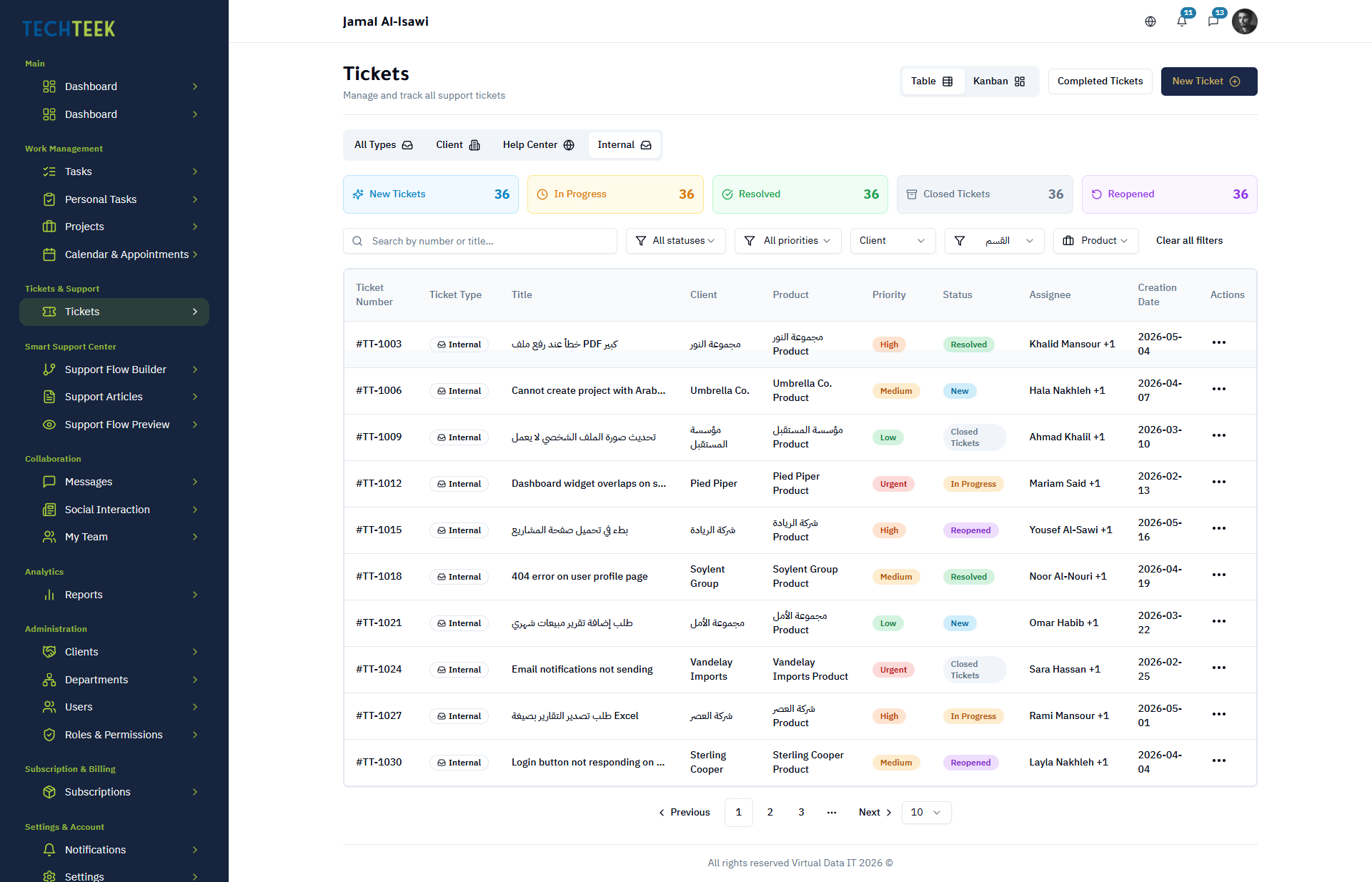
Internal Tickets
Help Center
1

Ticket Management

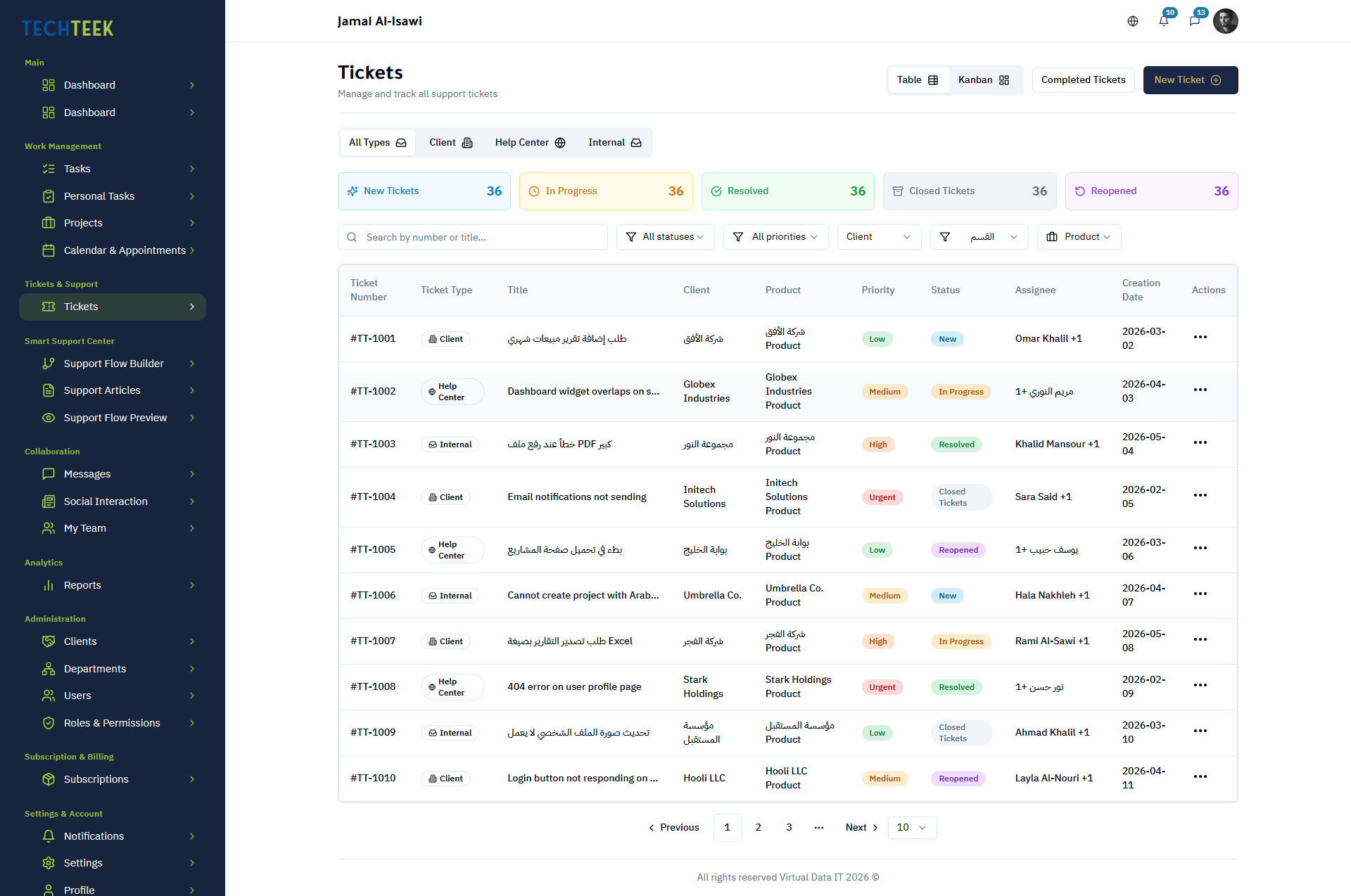
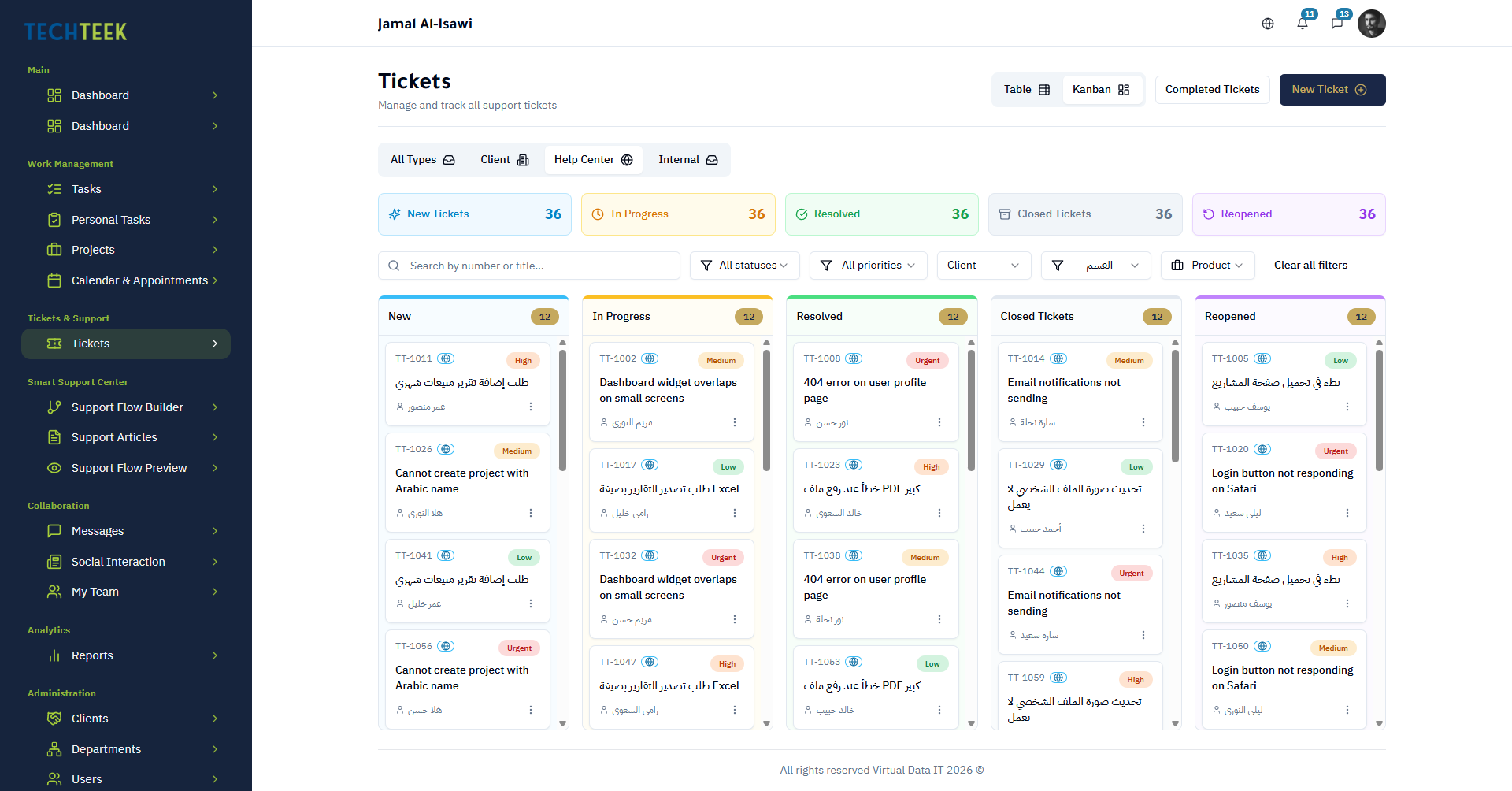
Every ticket follows a five-status lifecycle: Open, In Progress, Waiting, Resolved, and Closed. Assign agents, set priorities, and track resolution across your support organization.
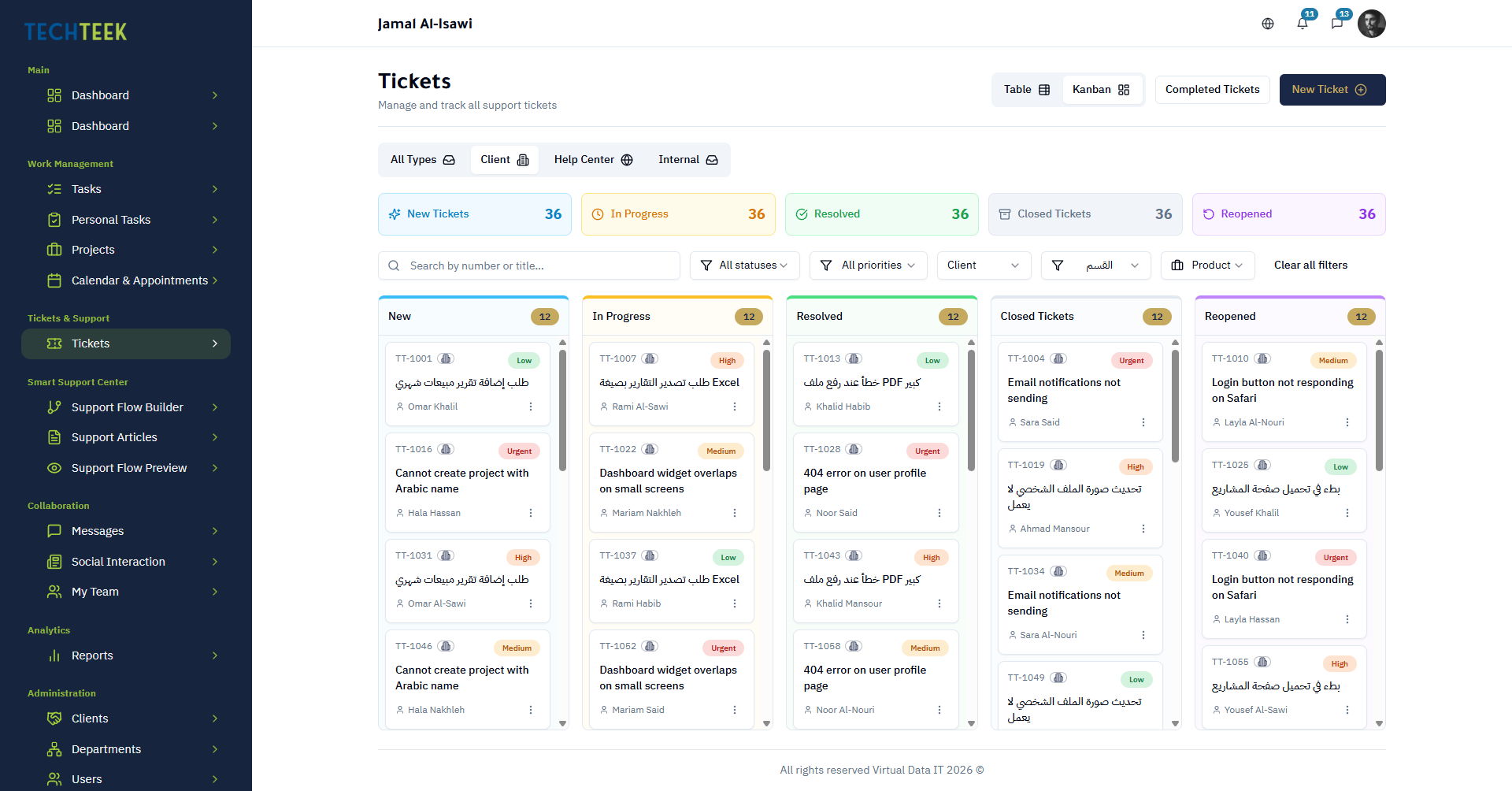
Five-status lifecycle: Open, In Progress, Waiting, Resolved, Closed
Assign tickets to individual agents or support teams
Set priority levels and SLA-based response targets
Full ticket history with timestamped status changes
Internal notes for agent collaboration without customer visibility
Bulk actions for triaging and updating multiple tickets at once
Ticket Management

Ticket Management

Every ticket follows a five-status lifecycle: Open, In Progress, Waiting, Resolved, and Closed. Assign agents, set priorities, and track resolution across your support organization.

2

Ticket Sources

Receive tickets from three distinct channels — internal team requests, customer-facing portal submissions, and automated flows triggered by the Smart Support Center.

Internal tickets created by employees within the platform
Portal tickets submitted by customers through the self-service portal
Flow tickets auto-generated by Smart Support question maps
Source tracking on every ticket for channel performance analysis
Unified inbox regardless of ticket origin
Automatic context attachment from flow-generated tickets
3

Client Products

Link tickets to specific client products so your support team immediately knows which product is affected and can access relevant history and documentation.

Create and manage a client product catalog within the platform
Link each ticket to one or more client products
View all open tickets filtered by product for trend analysis
Product-specific knowledge base article suggestions
Track recurring issues per product to inform development priorities

CRM Dashboard

A purpose-built dashboard for support managers. See ticket volume, agent workload, resolution rates, and SLA compliance at a glance — filterable by team, product, or time period.
CRM Dashboard
4

CRM Dashboard

A purpose-built dashboard for support managers. See ticket volume, agent workload, resolution rates, and SLA compliance at a glance — filterable by team, product, or time period.

Real-time ticket volume and status breakdown
Agent workload distribution with active ticket counts
SLA compliance tracking with breach alerts
Ticket trends over time — daily, weekly, monthly views
Filter by team, product, ticket source, or priority
Drill down from any metric directly into the relevant tickets
5

CRM Reports

Generate actionable reports on support performance. Measure first-response time, resolution time, customer satisfaction trends, and agent efficiency.

Average first-response time by agent, team, or product
Ticket resolution time analysis with percentile breakdowns
Ticket volume by source — internal, portal, and flow
Reopened ticket rate and root cause tracking
Exportable data for executive reporting and compliance
Scheduled report delivery for recurring review cycles

Ticketing System FAQ

Open (newly created), In Progress (agent is working on it), Waiting (pending customer or third-party response), Resolved (solution provided), and Closed (confirmed complete).
Portal tickets are submitted directly by customers through the support portal. Flow tickets are auto-generated when a customer completes a Smart Support question map and the flow determines a ticket is needed — these arrive with all the context collected during the flow.
Yes. A ticket can be associated with one or more client products, making it easy to track cross-product issues.
Yes. You can define response and resolution time targets. The CRM dashboard highlights SLA breaches and at-risk tickets in real time.
On the integrated plan, tickets can be escalated into project tasks. The task retains a link to the originating ticket for full traceability.

Ready to Unify Your Tasks and Tickets?

Start a 14-day free trial — no credit card, no commitment. Choose your system and tier, invite your team, and see results in your first week.